

Outlook (classic) for Windows finds our server settings automatically. All you need is your address and password.
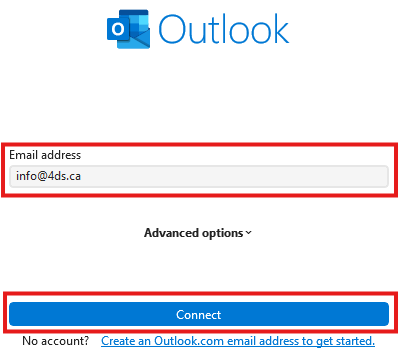
1. Enter your email address
When you first start Outlook, or from File › Account Settings › Add Account, enter your email address, then click Connect.
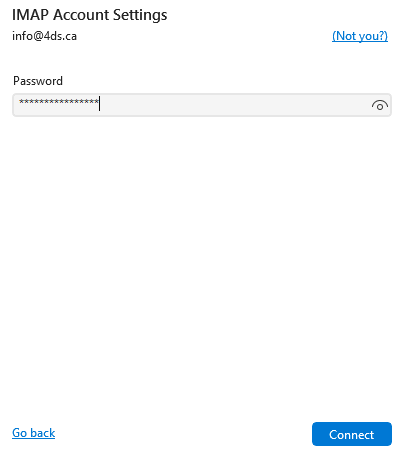
2. Enter your password
Enter the password of your email account hosted at 4DS Technologie, then click Connect.
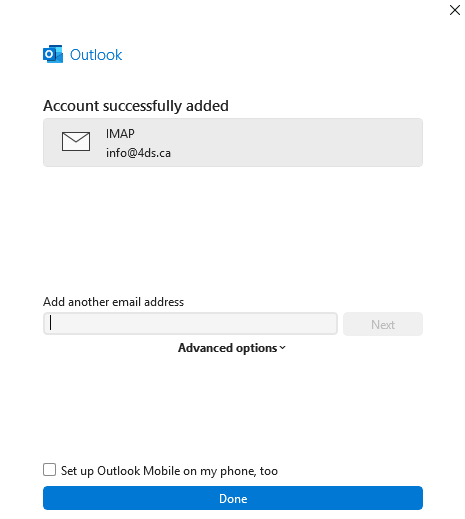
3. Finish
Since the servers were configured automatically, just click Done at the bottom of the window.
If Outlook cannot find the settings on its own, enter them manually: see email settings for any app.