

The simplest way to access your Nextcloud account is your web browser. We test primarily with Mozilla Firefox and Google Chrome.
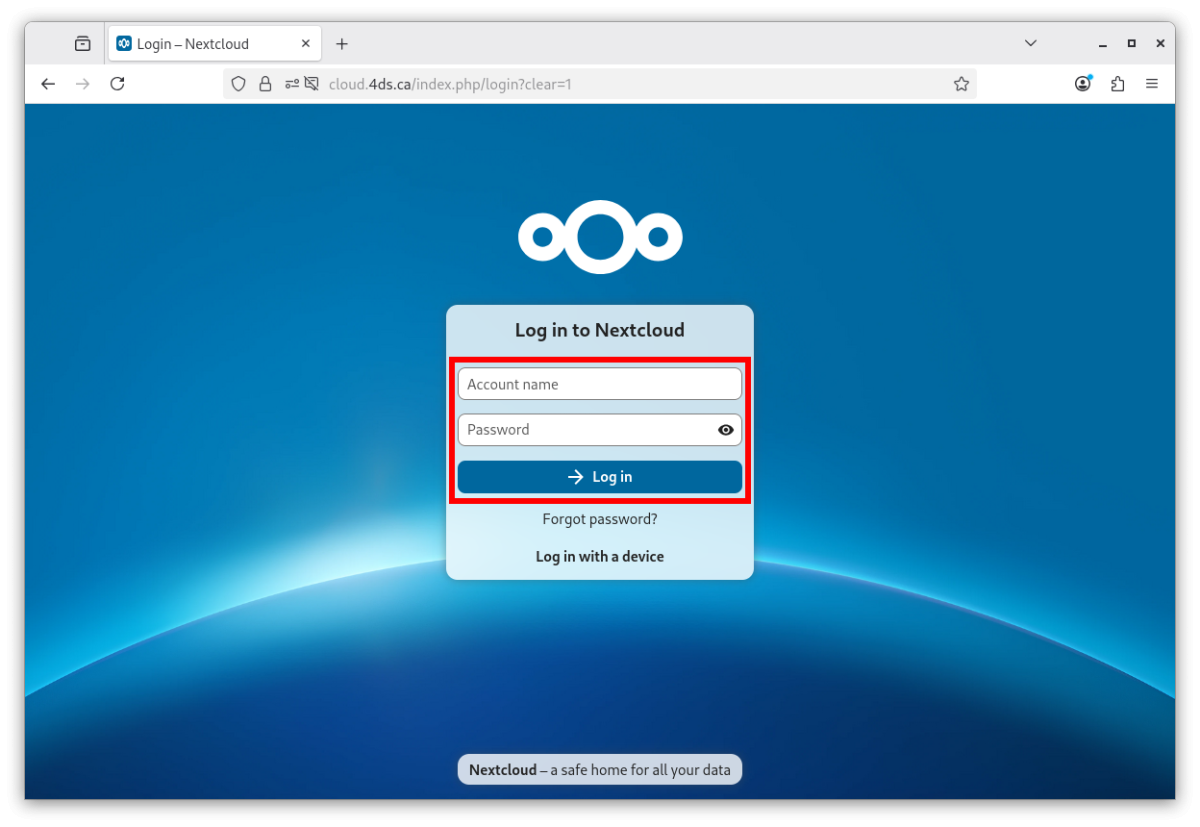
- Open your web browser.
- Go to https://cloud.4ds.ca.
- Enter your account name and password. They were emailed to you when your account was opened.
- Click Log in.
Always check the address
Before entering your password, make sure the address bar shows cloud.4ds.ca. A look-alike page at another address is an attempt to steal your access.
On your computer and phone
To synchronize your files, contacts and calendars, install the Nextcloud apps.